Don’t improvise the grand entrance
Build the walking order ahead of time. Call it live from the same list, not from memory in front of two hundred people.
Included on the Pro plan.
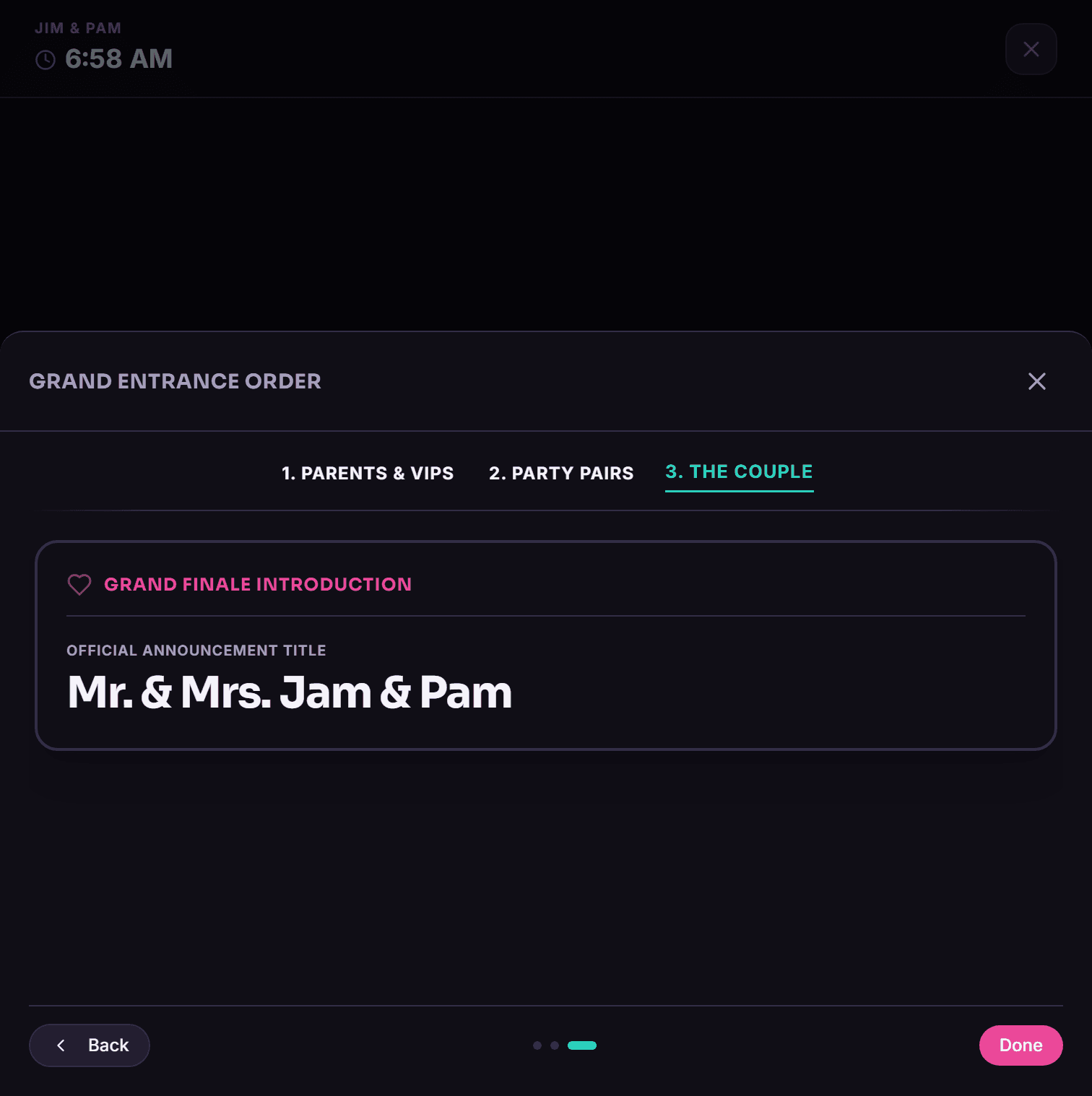
The grand entrance is maybe the one moment where the DJ is the visible center of attention instead of the guy behind the speakers, and it’s also the easiest thing to botch when the walking order lives on a sticky note, or worse, a half-remembered hallway conversation with the planner ten minutes before it starts.
Build it during planning instead — parents, VIPs, the full wedding party in order — right on the event’s Timeline tab. On the day itself, that same list shows up in Live Mode, so you’re reading off something confirmed weeks ago, not guessing.
How it actually works
Build the list ahead of time
Parents, VIPs, wedding party, in walking order.
Confirm it with the host
Before the day, so there’s no last-minute scramble.
Call it live
The list shows up in Live Mode when you need it.
Why bother
- No sticky notes, no memorized order
- Confirmed ahead of time, fewer day-of surprises
- Shows up right in Live Mode
- Worth it for any reception with a real entrance moment
Questions people ask
Where do I build the entrance list?
On the event’s Timeline tab.
Does the entrance list show up during the event?
Yes, in Live Mode alongside the rest of the timeline.
Is this feature included on the Starter plan?
No, Pro only.
Other stuff worth a look
Try it on your next event
14 days free, no call required, no card stunt where you have to remember to cancel.