DJ Business Software Checklist: What to Look for in 2026
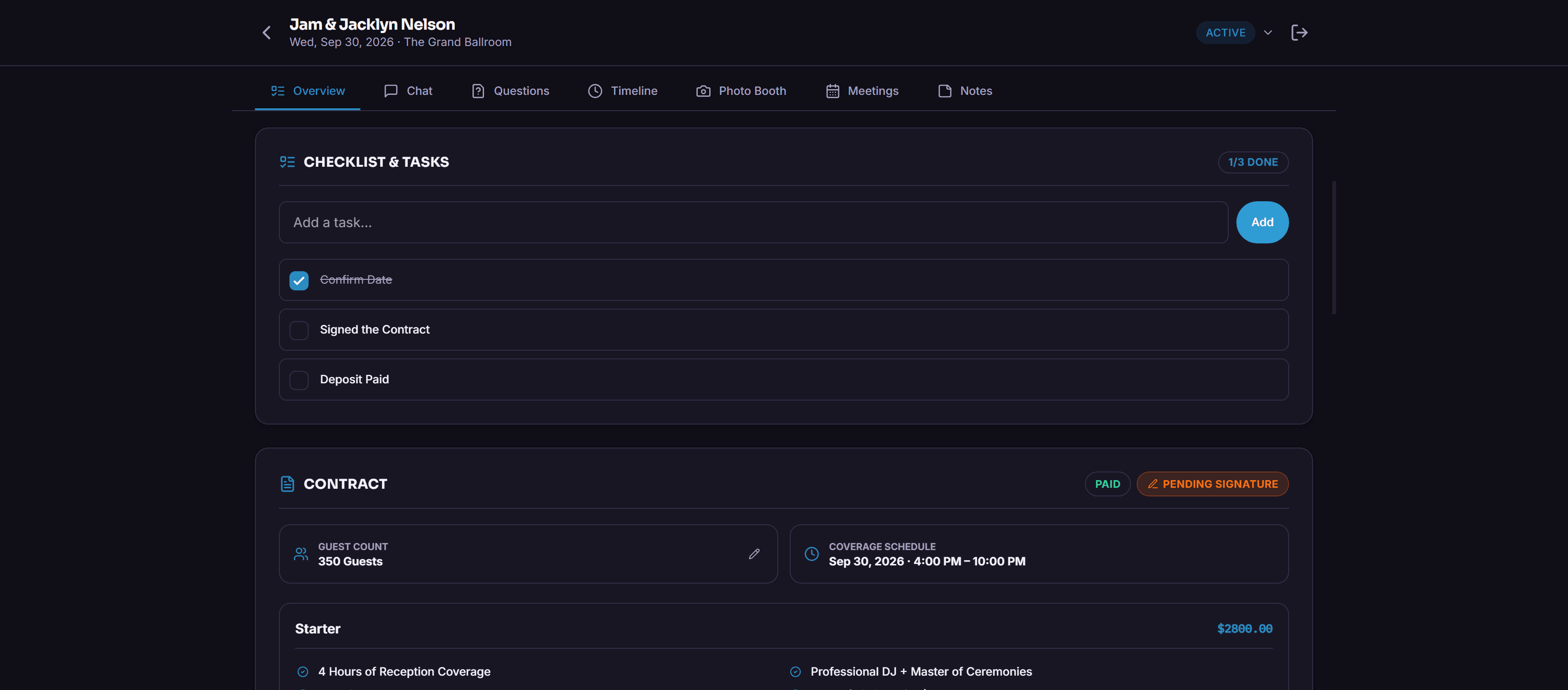
Most DJ software comparisons obsess over the wrong things — color themes, dashboard widget counts, how many logos you can upload. What actually decides whether a tool saves you time is a shorter, less exciting list.
Does it replace a workflow, or just digitize a form?
A lot of "DJ software" is a generic form builder wearing a DJ costume. The real test: does it handle live-updating run sheets, guest-submitted song requests, and signed contracts in one place — or does it just collect info you still have to manually turn into an actual plan?
Can your clients use it without a tutorial?
Software that’s easy for you and confusing for a host defeats the point. If someone needs a walkthrough to submit a song request, you’ve added friction to the exact relationship you’re trying to smooth out.
Does it survive going from one DJ to a team?
A lot of tools built for solo DJs break the moment a second DJ joins. Shared templates and team-visible conversations stop being optional the second you’re not the only one touching client communication.
Is billing built in, or one more subscription?
Collecting deposits through the same platform as the contract removes an entire separate payment tool from your stack. If it doesn’t touch payments at all, you’re paying twice to do one job.
Does it look like your company, or a rented tool?
Past word-of-mouth, clients research vendors before booking. Branding on the portal and the emails they get is what makes it feel like yours instead of someone else’s software with your name pasted on top.
Key takeaways
- Look for tools that replace workflows, not just digitize forms
- Client-facing parts need to be frictionless too
- Confirm it scales past one DJ
- Built-in payments beat a second subscription
- Branding matters more once you’re past referrals
FAQ
Is DJ-specific software worth it over a generic CRM?
For most DJ companies, yes — generic CRMs don’t know what a run sheet or a grand entrance is, so you’re bending a tool built for a different business.
What’s the biggest mistake DJs make choosing software?
Picking based on how it looks over whether it actually replaces something manual that’s currently eating your time.
Related feature
Custom Branding
Logo, colors, your own sending domain — so a client isn’t staring at some other software’s name on their login screen.